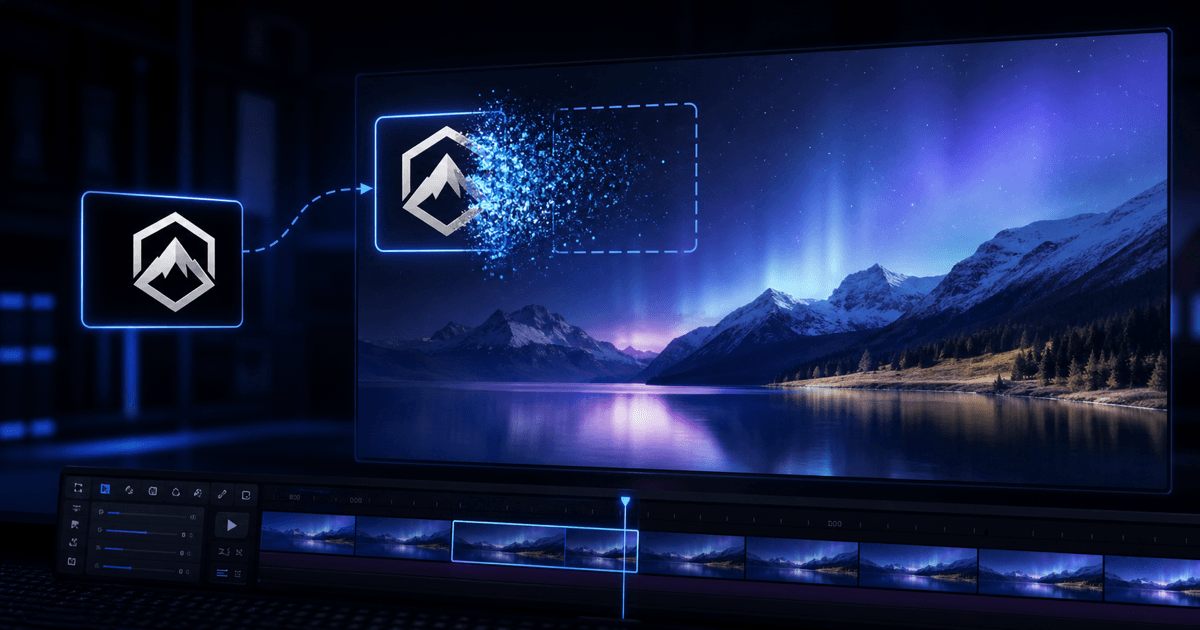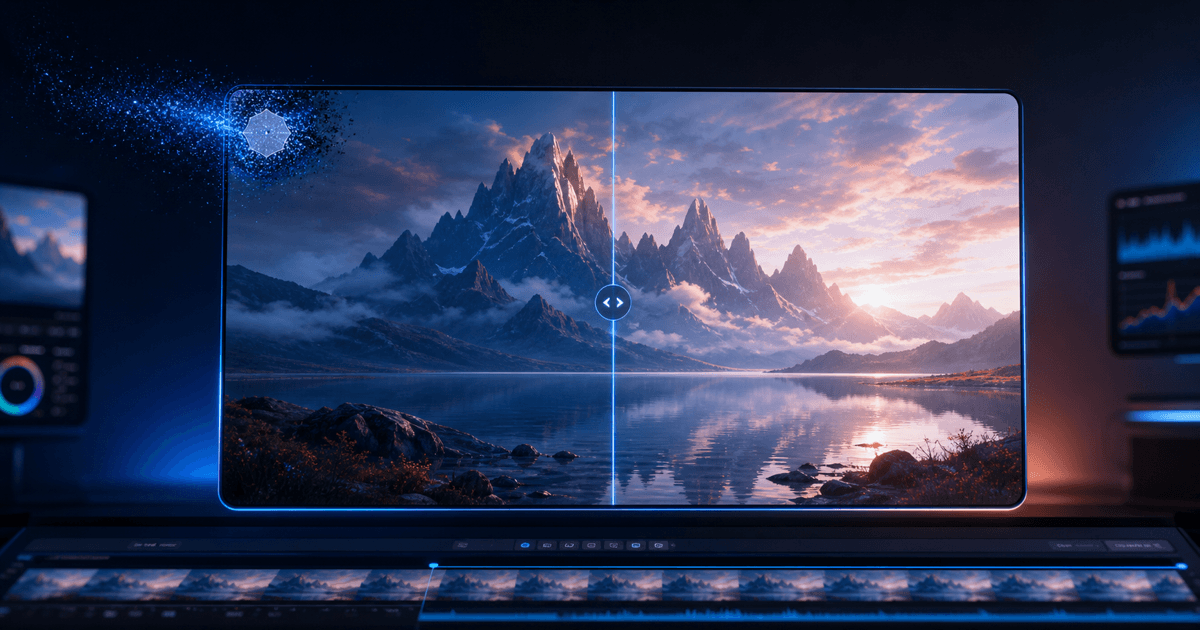
I generate a lot of short clips with AI video tools, and almost every one of them hands me back footage with the tool's own logo burned into a corner. On my own generations that's just a branding stamp I want gone before I drop the clip into an edit — so this is about cleaning output I made and own, not lifting a mark off someone else's video. If it isn't your generation or licensed footage, don't.
The official export rules vary by generator, plan and region, and they change often. For example, Google's current Flow help says Free, Plus and Pro videos carry a visible Veo mark, while Ultra output may still show one where local rules require it. I check the generator's current export options first; when re-exporting without the mark is unavailable, I clean the visible overlay from footage I own.
The generators I keep hitting this with
They don't all stamp the same way, and that changes how cleanly it comes off:
| Generator | Where the mark sits | How hard to remove |
|---|---|---|
| Google Veo | Small sparkle logo, bottom-right, inset | Easy — static corner over moving footage |
| Kling | Corner logo; Chinese/English variants, moves by aspect ratio | Easy–medium |
| Runway | Typically a corner logo | Easy |
| Seedance | Corner logo; also ships inside CapCut/Dreamina | Easy |
| Pika | Corner logo | Easy |
| Luma | Dream Machine badge in the frame | Easy |
| Hailuo (MiniMax) | Corner logo | Easy |
| Vidu | Corner logo | Easy |
| Dreamina (Jimeng) | Corner logo; carries Seedance generations | Easy–medium |
The pattern I've learned to trust: a static corner logo over a moving scene is usually the easiest kind to remove well, because nearby frames often reveal useful background detail. Many generator watermarks fall in that bucket, so they tend to clean up better than a large mark sitting over a mostly static shot.
Blur is not removal
The first tools I tried just blurred the corner. That's worse than leaving the logo — a soft smudge that follows the old mark screams "something was here," and on moving footage it swims around. What I actually want is inpainting: the region gets detected and the background underneath is rebuilt frame by frame, so there's nothing left to notice. I judge every tool on that one thing — scrub the result at full size and look for a patch. If I see a patch, it's blur, and I move on.
How I do it now
I stopped subscribing to each generator just to export clean. My flow:
- I open the watermark removal tool — or the page for my specific generator, like Kling or Hailuo — and upload the clip. No account needed to preview.
- I watch the first 5 seconds free, at full resolution, with no watermark added — which is the whole point, because a free tier that downscales or stamps its own logo tells me nothing about the real result. Here it's the actual reconstruction, in motion.
- If it holds up, I log in and spend credits to export the full clip at source resolution. No subscription — a one-off cleanup doesn't put me on a monthly plan.
For the walk-through with screenshots, I wrote it up as a step-by-step tutorial. If your generation isn't in the list above, the Remove Any Logo tool lets me upload a picture of whatever mark I'm targeting — I covered that here.
The caveat I won't skip: invisible watermarks
This matters and I'd rather say it plainly. Clearing the visible logo is different from removing provenance signals. Google DeepMind says SynthID embeds an imperceptible watermark in generated video and is designed to remain detectable through common edits. Content Credentials can also record provenance as cryptographically bound metadata. So "remove the watermark" here means cleaning the visible brand stamp on footage you own — not disguising AI-generated content as something it isn't.
FAQ
Does removing the corner logo re-encode the whole video?
The removal model targets the logo region, but the exported result is still a new video file and may be re-encoded. Keeping the source resolution preserves the frame dimensions; use the preview to check fine detail and compression before exporting the full clip.
Which generator watermark is hardest?
A faint, large, or semi-transparent mark tinting the whole frame is the worst case — there's no clean area to rebuild from. The standard small corner logo that most generators use is the easy case.
Can I remove a watermark from a generation that isn't mine?
No. This is for your own generations and licensed footage. The invisible provenance marks stay regardless, and passing off someone else's AI content as your own isn't the use case.
Do I need a different page per generator?
Not really — they all run the same removal. The per-generator pages (Veo, Kling, Runway, Seedance, Pika, Luma, Hailuo, Vidu, Dreamina) just carry copy tuned to that source; the generic watermark tool works for any of them.