



Remove Anything from Video by Prompt
Upload a video, describe exactly what should disappear, and let AI rebuild the scene.
Upload a video, describe exactly what should disappear, and let AI rebuild the scene.
Any video · Prompt-based video editing
Describe an object, person, text, or distraction and remove it from your video.
Remove a person in the background, an unwanted prop, a sign, text, or another distraction using ordinary language. You do not need to outline the object frame by frame. Describe what should disappear and the removal follows it through the clip.
Choose an MP4, MOV, or WebM file and preview it locally. Enter a specific description of what to remove, then submit. The video uploads only after you submit, and the scene is reconstructed where the described subject appeared.
Mention visible details that distinguish the target: color, clothing, position, motion, or nearby objects. For example, “remove the red backpack behind the cyclist” is clearer than “remove the object.”
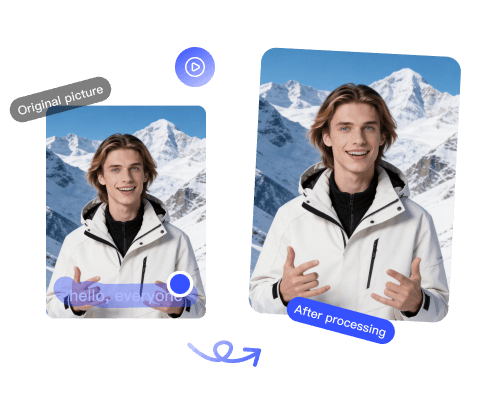
Remove the TikTok logo and @username watermark so you can repost clips anywhere.
Open toolRemove channel watermarks, logos, and brand bugs from YouTube videos.
Open tool
Remove the Runway watermark from AI-generated videos for clean, unbranded exports.
Open tool