
Learn every remover.work workflow in minutes
Short guides for image cleanup, video background removal, and subtitle removal using the same upload, preview, and export model.
 4 min
4 minWatermarks
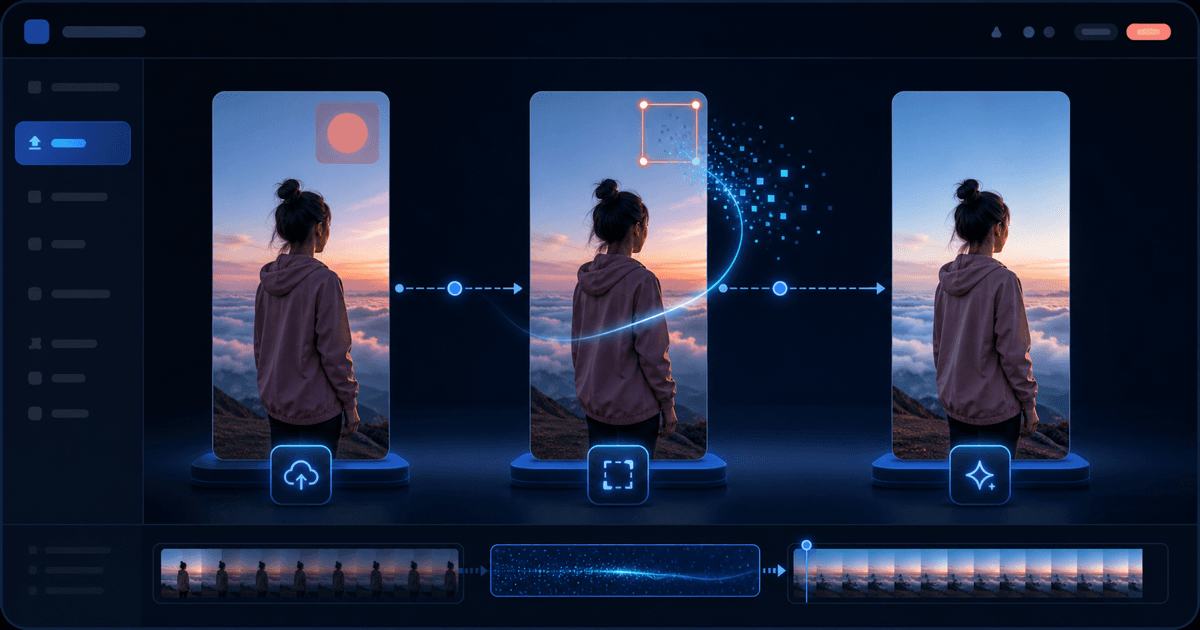
AI video watermark removal
Remove the logo an AI generator burns into its output — Veo, Kling, Runway, Seedance, Pika, Luma, Hailuo, Vidu, Dreamina — and check a free full-resolution preview first.
 4 min
4 minWatermarks
Removing editor and social app watermarks
Clear the stamp an editor's free tier or a social app leaves on your own export — CapCut, Filmora, InShot, Kapwing, VEED, Clipchamp, Douyin, Snapchat, Instagram — with a free preview first.
 3 min
3 minWatermarks
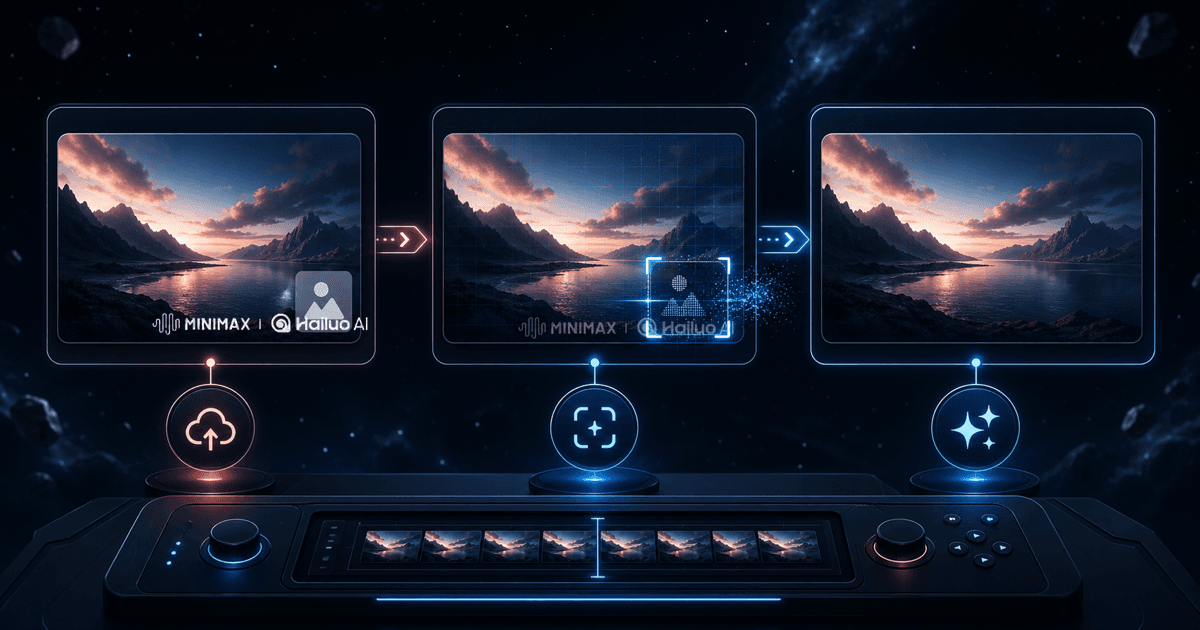
Remove the Hailuo (MiniMax) watermark
Clear the MINIMAX | Hailuo AI mark from a video you generated — automatic detection tuned to the real Hailuo watermark, free full-resolution preview first.
 4 min
4 minImage
Image background removal
Upload a product or portrait, inspect the free preview, then export at original resolution when you're ready.
 4 min
4 minWatermarks
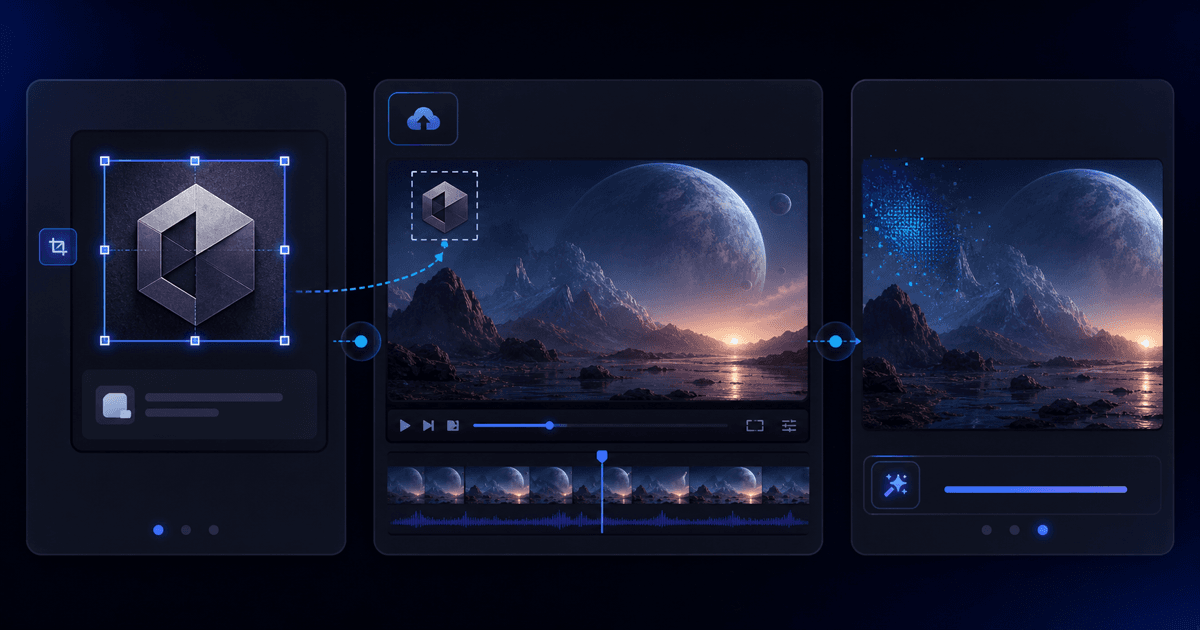
Remove any logo from video
Upload a picture of the exact logo you want gone, then your video. A two-step flow for marks no preset covers, with a free full-resolution preview before you export.
 4 min
4 minSubtitles
Subtitle removal
Remove burned-in captions with AI detection or manual box selection, and check a free preview before exporting.
 4 min
4 minSubtitles
Removing subtitles to localize or repurpose
A workflow guide for clearing burned-in captions before re-captioning — short-drama localization, TikTok e-commerce repurposing, and clipping long video into shorts.
 5 min
5 minVideo
Video background removal
Run a free 5-second preview at full resolution, then process the full-length clip with credits and clear billing.