




Remove Any Logo from Video
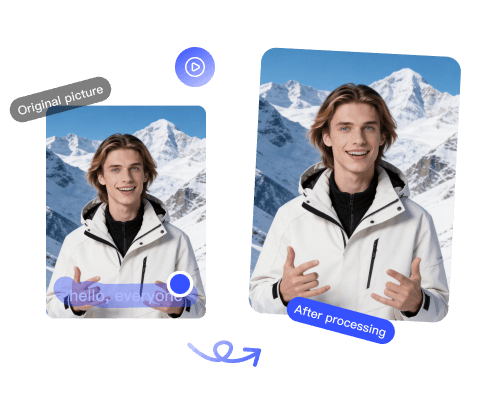
Upload your video, place the box over the logo, and we rebuild the marked area.
Upload your video, place the box over the logo, and we rebuild the marked area.
Any logo · Watermark removal
Upload a video and draw a box around any logo or brand mark you want gone.
TV station bugs, brand logos, screen-recorder marks, and app stamps are not always covered by a platform preset. Upload your video and place one box over the logo you want removed. The marked area is reconstructed across the clip without frame-by-frame editing.
Choose an MP4, MOV, or WebM file to open a local preview. Drag the selection box over the logo and resize it from the corners until the whole mark is covered. Submit when the region looks right, preview the cleaned result, then export at full quality.
Keep the box as tight as possible while covering the complete logo. This first version uses one fixed region, so it works best for stationary corner logos and brand bugs. For a moving target, use Remove Anything from Video by Prompt instead.
Remove channel watermarks, logos, and brand bugs from YouTube videos.
Open toolRemove the TikTok logo and @username watermark so you can repost clips anywhere.
Open tool
Remove the Kling AI watermark from generated videos for a clean, unbranded export.
Open tool