




Remove Google Veo Watermark from Video
Upload your Veo clip and we automatically clear the Veo logo — no manual box drawing.
Upload your Veo clip and we automatically clear the Veo logo — no manual box drawing.
Google Veo · Watermark removal
Remove the Google Veo watermark from AI-generated videos for clean, share-ready clips.
Videos generated with Google Veo carry a Veo logo baked into the bottom-right corner. For client work, ads, or anything you publish under your own brand, that mark signals the clip is a raw AI export. remover.work targets exactly where Veo places its logo and reconstructs the frame underneath, so the footage looks like a finished render rather than a generation preview.
Drop in your Veo MP4 or MOV. Because we know Veo's logo, it is recognized in your footage and removed automatically — you never have to find or outline the watermark. Preview the cleaned result first, then export the full-quality video when you're happy with it.
Veo output is often vertical or square for social. Because the removal is driven by the Veo logo itself rather than a fixed screen position, it stays locked on the mark whether you upload 720p, 1080p, or 4K.
Where does each app put its watermark? See the guide to 21 apps and AI generators

Remove the Kling AI watermark from generated videos for a clean, unbranded export.
Open tool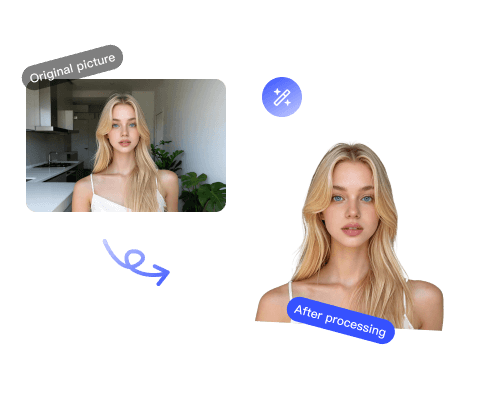
Remove the Runway watermark from AI-generated videos for clean, unbranded exports.
Open tool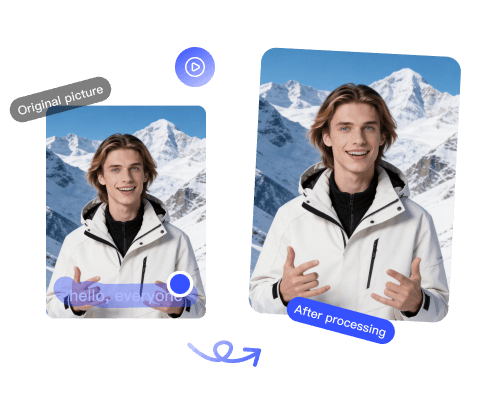
Remove the TikTok logo and @username watermark so you can repost clips anywhere.
Open toolRemove the Seedance watermark from AI-generated videos for a clean, unbranded export.
Open tool