I searched for a "background remover" and found one. A week later I searched for a "watermark remover" and found a different one. Then a "subtitle remover," different again. Each came with its own account, its own free-tier catch, and — increasingly — its own subscription. After the third login and the second monthly charge for a tool I'd used twice, I realized the real cost of removal tooling in 2026 isn't any single price. It's the fragmentation: a drawer full of half-used subscriptions, each solving one slice of the same basic need.
 remove.bg
 Runway
 Kapwing
 VEED
VEED PhotoRoom
 Pixelcut
 Canva
Canva Adobe Express
What "best" actually came to mean for me
A removal tool isn't a creative suite. I'm not living in it — I arrive with a problem, I want it solved, I leave. Judged that way, the best tool for me is the one that:
- Lets me try before I pay — I want to see the real result, not a sales page. A watermarked, downscaled "preview" that hides the exact artifacts I'm checking for doesn't count.
- Doesn't watermark the thing I'm trying to clean. Removing someone's watermark by adding the tool's own watermark is absurd, yet it's the default on most free editors.
- Covers more than one removal job, so I'm not juggling apps and logins for what is, fundamentally, the same task: find the thing, remove it, rebuild what's behind it.
- Charges for what I use, not a monthly fee for work I do occasionally. Most of my removal needs are bursty — a batch this week, nothing for a month.
- Tells me clearly what's free and what costs — no surprise at the download, no credit cost I can't predict before I run the job.
Most tools I tried scored well on one or two of these. Almost none scored on all five.
How the major tools cover the jobs
This is the table I built for myself while comparing them:
| Tool | Image BG | Video BG | Subtitles (burned-in) | Watermark | Model |
|---|---|---|---|---|---|
| remove.bg | Yes (low-res free) | Limited | No | No | Credits |
| Runway | — | Yes | Partial (inpaint) | Partial | Credits/subscription |
| Kapwing | — | Yes (watermarked) | Soft only | Yes (watermarked) | Subscription |
| VEED | — | Yes (watermarked) | Soft only | Yes (watermarked) | Subscription |
| PhotoRoom | Yes (watermarked) | — | No | No | Subscription |
| Pixelcut | Yes | Yes (~5s free) | No | No | Subscription |
| Canva | Pro-only | Pro-only | No | No | Subscription |
| Adobe Express | Yes (free, full-res) | Premium-only | No | No | Subscription |
| remover.work | Yes | Yes | Yes (inpaint) | Yes | Pay-as-you-go |
What stood out once I laid it out is that the tools cluster into three shapes, and each shape has a structural gap:
Single-purpose tools (remove.bg). Best-in-class at their one job, but they don't cross media types. remove.bg won't touch video, subtitles, or watermarks — so it's one tile in a much bigger wall.

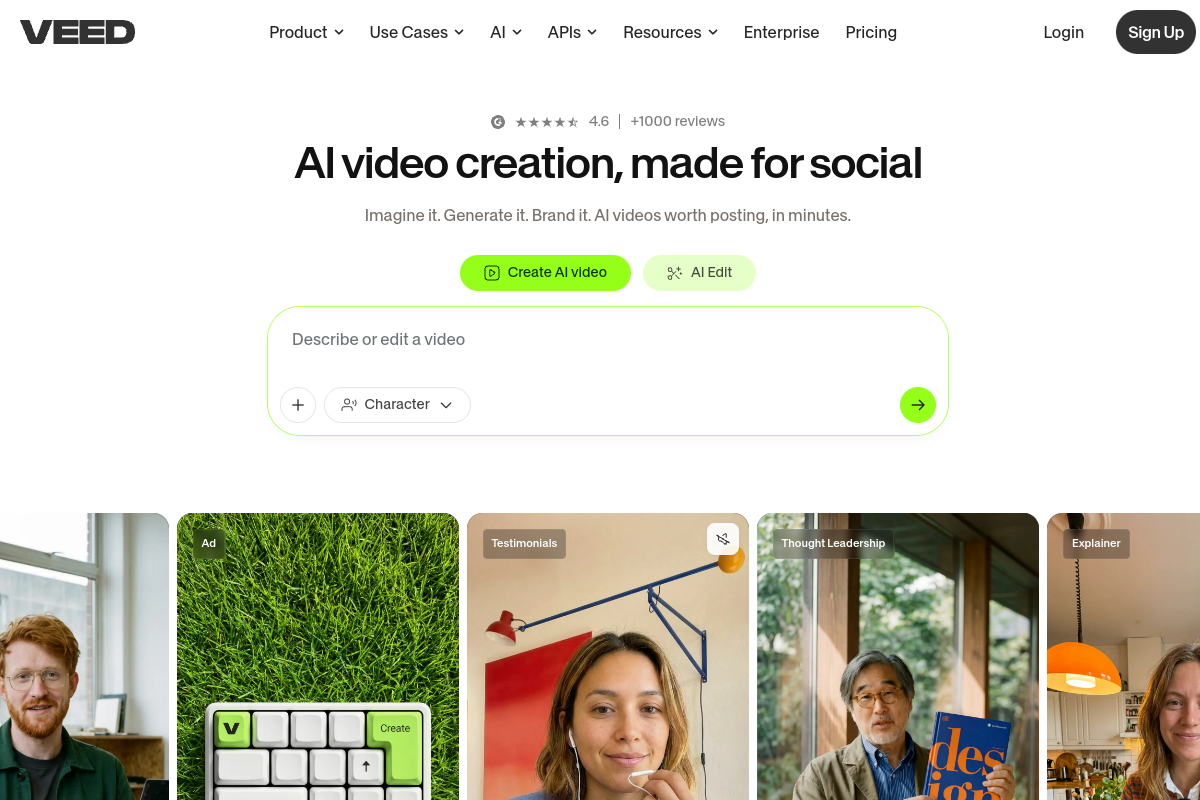
Online editors (Kapwing, VEED). They cover video jobs and even do inpainting, but they watermark the free output, gate resolution, and don't do images. And they're full editors — overkill when I just want a clip cleaned and downloaded.
Design suites (Canva, Adobe Express, PhotoRoom). Broad and polished, but removal is bundled into a subscription I'd pay for whether I used it or not, and video removal in particular is usually gated to the paid tier.

Confirm specifics on each vendor's site — they change — but the gaps felt structural, not temporary. None of these is "wrong"; they're just built for a different job than "I need this thing gone, today, without signing up for anything."

The hidden cost of subscriptions for occasional work
Here's the math that pushed me. Say three different jobs come up across a quarter — a batch of product photos, a video background, and a logo to remove from a clip. With single-purpose subscriptions, that's potentially three monthly plans, each of which I'll likely forget to cancel and keep paying for months. Even at modest monthly prices, a few of those running in parallel quietly outruns what the actual work was worth.
Pay-as-you-go flips the incentive. I buy credits when I have work, spend them on the finals I keep, and there's nothing recurring to forget about. For bursty, occasional removal needs — which is most people's reality — that's simply the honest pricing model.
Why one hub won me over
remover.work is built on the bet that matched my own behavior exactly: if I need to remove a background this week, I'll need to remove a watermark or subtitle next week — and I'd rather not learn, or pay for, a new tool each time.
- One account for image and video, backgrounds, subtitles, text and watermarks.
- One workflow — upload, preview, refine, export — identical across every tool, so there's nothing new to learn when the job changes.
- One wallet — pay-as-you-go credits, no subscription, with the same free-vs-paid rules everywhere.
- One promise — I see an unwatermarked preview before I commit, and I only log in at download.
That's the whole positioning, and it's why it stuck for me: the remover that just works. Not the most features — the fewest surprises.
Where I'd start
Pick the job you have today:
- Remove a video background — no green screen.
- Remove a watermark from video — inpainting, not blur.
- Remove subtitles from video — including burned-in text.
- Remove a background from an image — at full resolution.
Or just open the tools hub and upload. Whatever you need to remove next, it's the same place — which was the whole point for me.
FAQ
Is an all-in-one tool worse at each job than a specialist?
That's the usual worry, and it's fair. The answer that mattered to me: I can check quality on a free, unwatermarked preview before paying, so I'm never gambling. If a result isn't good enough, I haven't lost anything.
Why pay-as-you-go instead of a subscription?
Because removal work is bursty. Credits map to actual use; a subscription bills me for the months I don't.
Do I need an account to try it?
No — upload and preview without signing up. You only log in at the download step.
Which job should I start with?
Whichever one is in front of you. The point of a hub is that the next one lives in the same place.