I'll be honest: one-click background removal is a solved problem. Every tool I tried produced a clean cutout in seconds, and on a normal photo I'd be hard-pressed to tell their outputs apart. What actually caught me out in 2026 wasn't quality — it was what I was allowed to download for free. That's where these tools quietly diverge, and where I got surprised more than once before I understood the game being played.
 remove.bg
 PhotoRoom
 Pixelcut
 Clipdrop
 Adobe Express
 Canva
CanvaThe low-resolution free trap
remove.bg is the clearest example, and the one that got me first: the free download was a 0.25 MP preview — roughly 625×400 pixels. Let that sink in for a second. A modern phone shoots 12 MP or more; 0.25 MP is about one-fiftieth of that. It's fine for eyeballing the cutout on screen, and completely useless for a print, a product listing, or anything you'd actually publish. The full-resolution version costs a credit.
Once I saw that pattern, I started recognizing variations of it everywhere — each tool picks a different lever (resolution, watermark, daily cap, or subscription) to separate "look" from "keep":
| Tool | Free output | Watermark on free? | Full-resolution unlock | Scope |
|---|---|---|---|---|
| remove.bg | 0.25 MP preview | No | 1 credit per full-res image | BG removal + API |
| PhotoRoom | Export limit/month | Yes | Pro subscription | Photo studio suite |
| Pixelcut | ~3 removals/day | Yes | Pro subscription | Design + product tools |
| Clipdrop | Capped ~1024px | Reported on some tiers | Pro for full resolution | AI image toolkit (now Jasper) |
| Adobe Express | Full-res, no watermark | No | Generative-credit quota | Design + media editor |
| Canva | No free BG removal | — | Pro-only feature | Full design suite |
| remover.work | 1024px preview, no watermark | No | Pay-as-you-go credits for full res | All-in-one removal hub |
How they actually behave:
remove.bg is the category leader and the cutout quality is excellent. The lever it pulls is resolution: free is a tiny preview, full-res is a credit. It also has a solid API if you're automating.
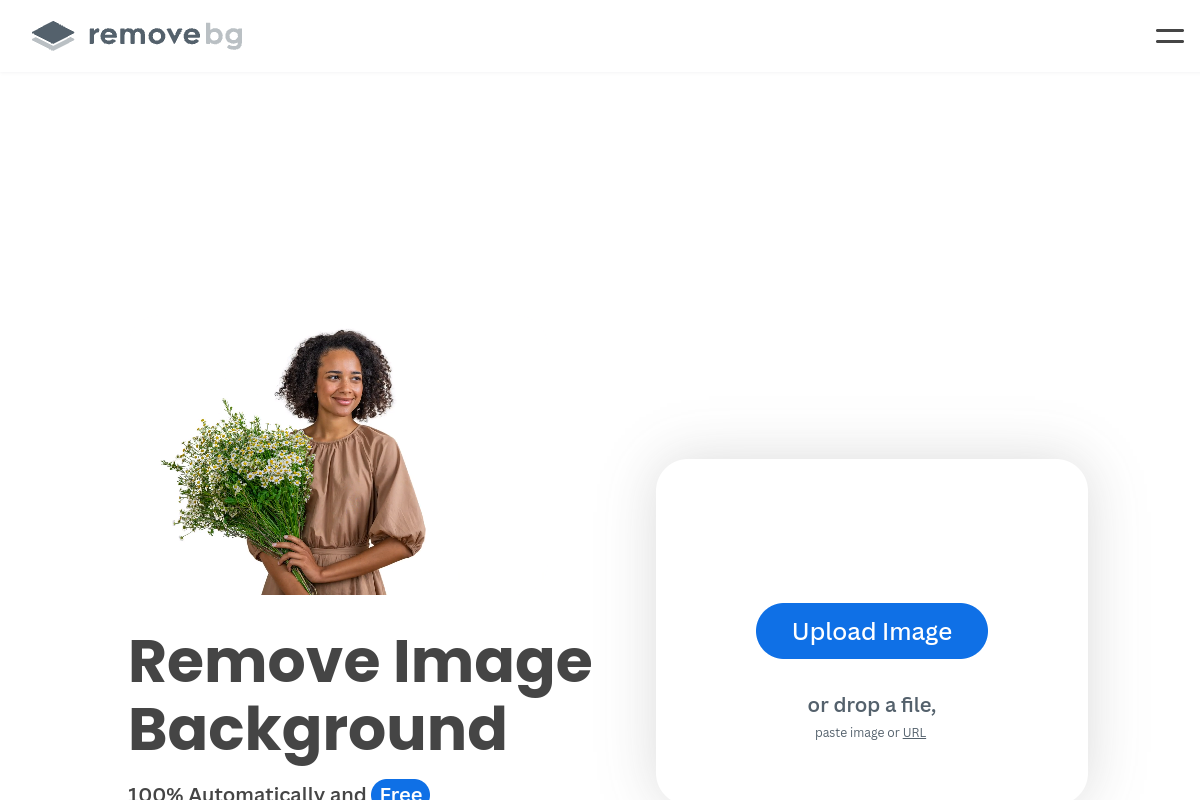
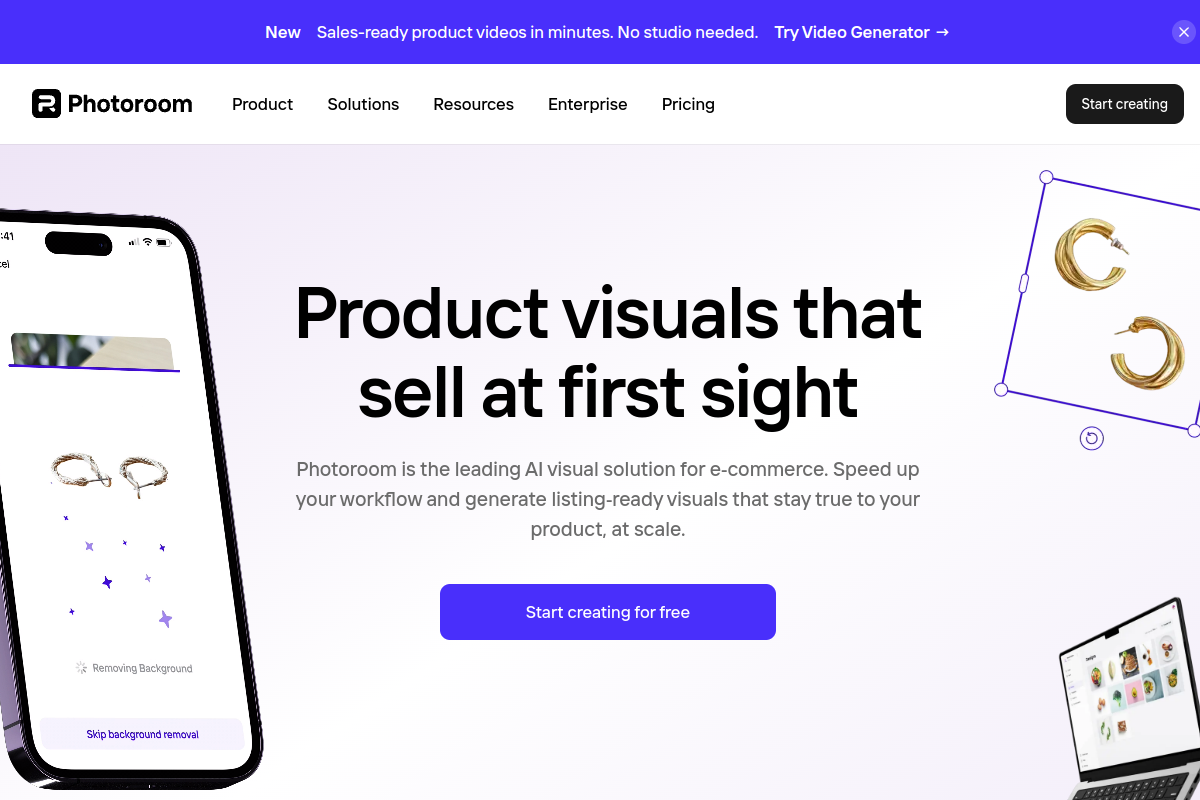
PhotoRoom is a full mobile-first photo studio aimed at sellers, with backgrounds, retouching and templates. Free exports carry a PhotoRoom watermark; the good stuff is behind Pro.
Pixelcut is a Canva-style design app with a background remover. The free tier limits you to a few removals a day and watermarks them; batch and upscaling are paid.
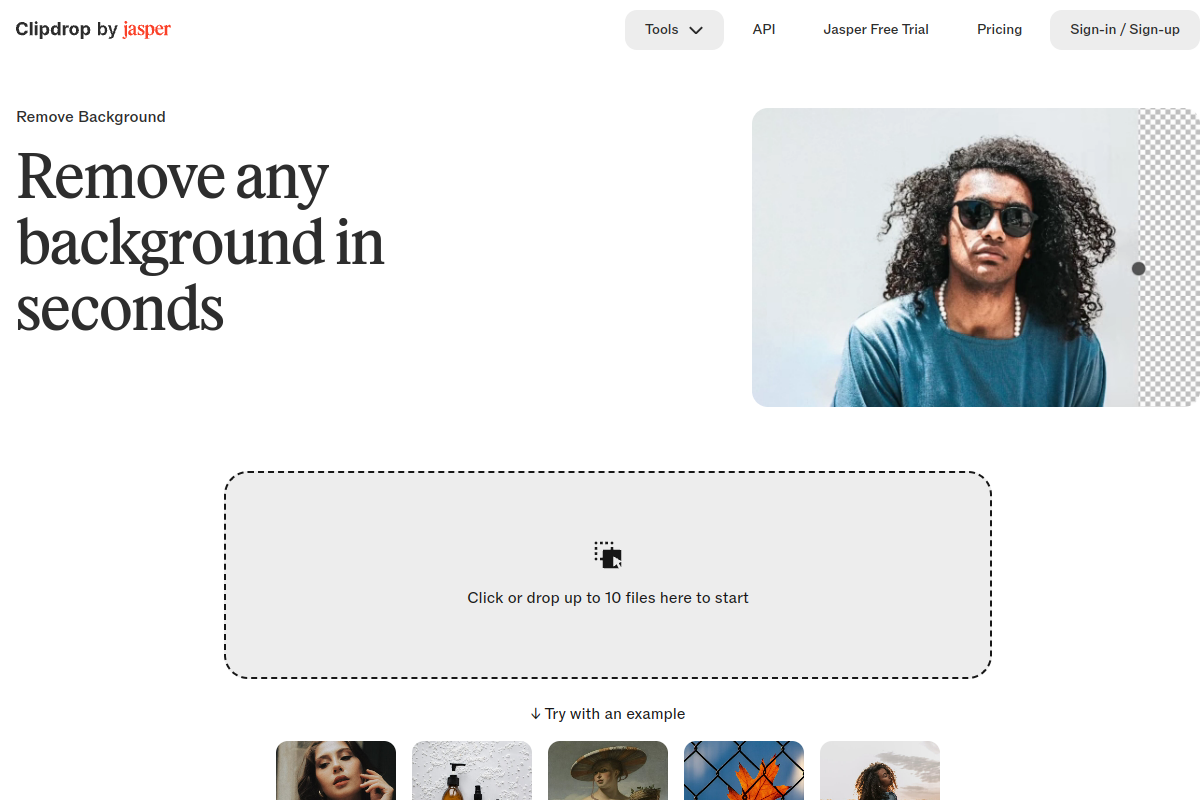
Clipdrop (originally Stability AI, now owned by Jasper) caps free output near 1024px, with full resolution on Pro. Ownership has changed hands twice, so it's worth checking the current terms.
Adobe Express was the genuine standout: full-resolution, watermark-free background removal on the free plan, bounded only by a monthly generative-credit quota. If you just need the occasional clean cutout, it's hard to beat.
Canva offers no free background removal at all — it's a Pro-only feature.
Two pleasant surprises on the free side, then: Adobe Express (full-res, no watermark) and the fact that Canva gives you nothing free here. Everyone else gates full quality behind a watermark, a daily cap, a low-res preview, or a subscription. As always, verify the current numbers on each vendor's pricing page before relying on mine.
What full resolution you actually need
Before paying for "full res," it's worth knowing what you actually need, because it changes which limits matter:
- Social media / web thumbnails — a 0.25 MP preview is genuinely too small, but you don't need 25 MP either. Around 1–2 MP is plenty.
- Marketplace product listings — platforms often want a longest edge of 1500–3000 px, so a real full-resolution export matters here.
- Print or large-format — you want the original resolution, untouched.
The practical lesson: a preview is the right tool for checking, and the wrong tool for publishing. The mistake is paying for the highest tier when your destination is a web thumbnail, or accepting a tiny preview when you're printing.
How I judge a cutout before I pay
These are the three things I always check, and a free preview is enough for all of them:
- I zoom to the edges. Hair, fur, fabric and glass are where the cheap cutouts fell apart for me. A clean photo hides a loose mask; a zoomed edge reveals it.
- I check semi-transparent areas — a glass, a veil, a wisp of smoke should keep some translucency, not turn into a solid blob.
- I look for a halo — a faint outline of the old background colour clinging to the edge means a loose mask, and it'll look wrong on any new background.
I shouldn't have to pay just to find out the edge is bad — and that's exactly the trap I was trying to avoid. The whole reason a free preview is useful is that it answers "is the cutout good?" before any money changes hands.
Why I land on remover.work for this
remover.work lets me approve quality first and pay only for what I keep:
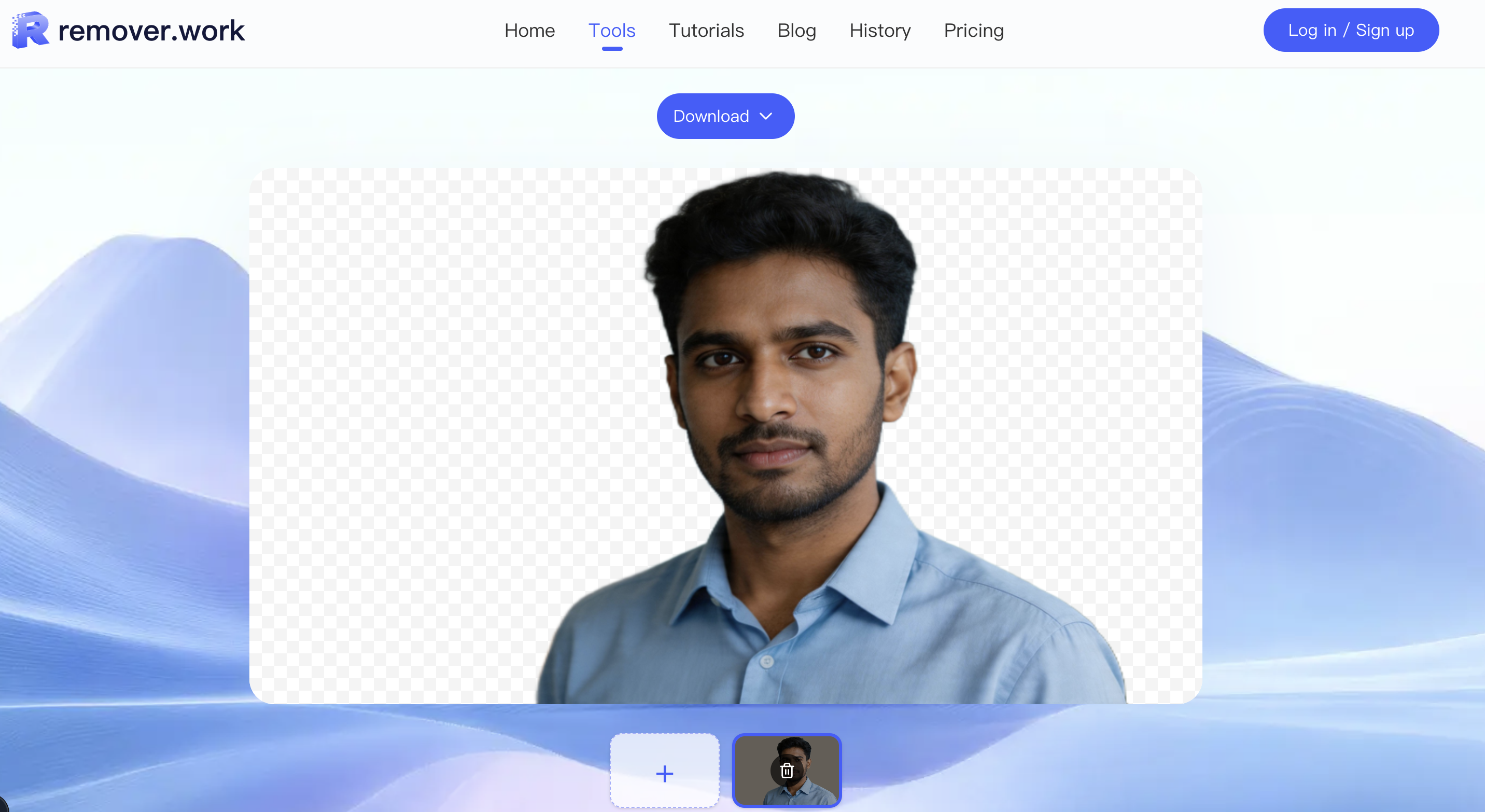
- I upload without an account and inspect the cutout in the preview.
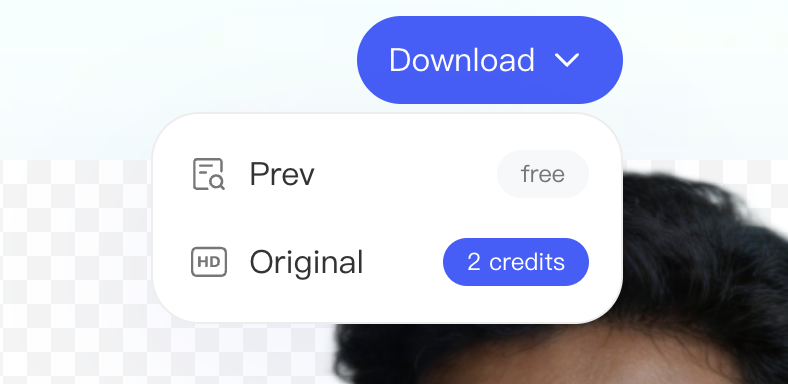
- The 1024px preview is free and unwatermarked — big enough to judge edges and fine for review and sign-off, and clean enough that I'm not squinting past a watermark.
- I log in and spend credits only for the original-resolution export, charged by the image's pixel count (around 1 credit up to 2 MP, more for larger files). No subscription; credits come in one-off packs.
And because it's a hub, the same account handles video background removal, watermarks and subtitles. I open the Image Background Removal tool to try it — or if I'm prepping a store, I follow the e-commerce product photo workflow.
FAQ
Can I get a transparent PNG?
Yes — the export replaces the background with transparency, ready to drop onto any colour or composite.
Does it handle hair and fine detail?
Modern models do well on hair; it's still the area to zoom in on before exporting. Check it on the free preview.
Can I batch a lot of images?
For a catalog, process the set on the free preview, approve, then export only the keepers at full resolution — the e-commerce guide walks through this.
What about a white background instead of transparent?
A transparent cutout drops onto white (or any colour) trivially — which is exactly what marketplaces like Amazon want.