

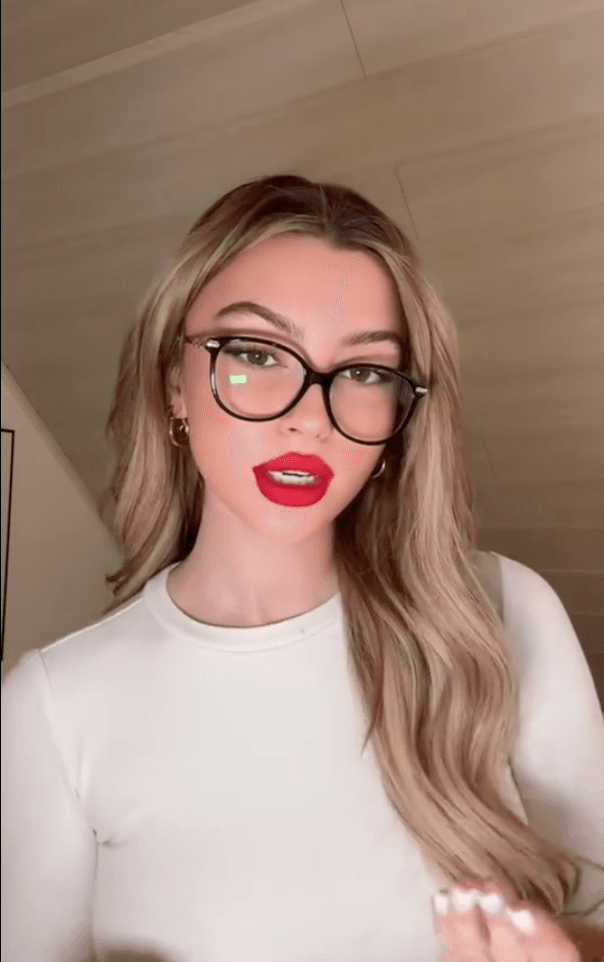


Remove HeyGen Watermark from Video
Upload your HeyGen clip and we clear the HeyGen logo automatically — no manual box drawing.
Upload your HeyGen clip and we clear the HeyGen logo automatically — no manual box drawing.
HeyGen · Watermark removal
Remove the HeyGen logo from AI avatar and video generations for a clean, unbranded export.
Videos exported from HeyGen — AI avatar clips, talking-head videos, and translations — carry the HeyGen logo baked into a corner of the frame. remover.work detects that mark and rebuilds the footage underneath for a clean, unbranded export.
Upload your HeyGen MP4. The logo is detected automatically — no selecting or tracing. Preview the cleaned result, then export at full quality.
Where does each app put its watermark? See the guide to 21 apps and AI generators
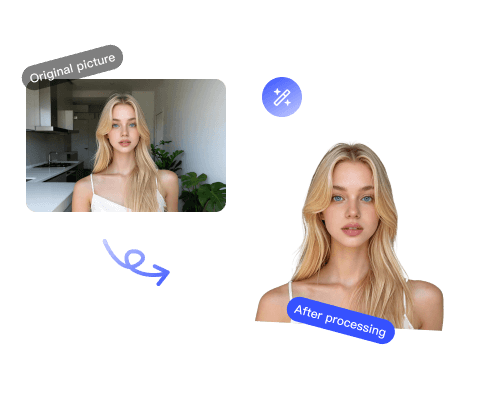
Remove the Google Veo watermark from AI-generated videos for clean, share-ready clips.
Open tool
Remove the Kling AI watermark from generated videos for a clean, unbranded export.
Open tool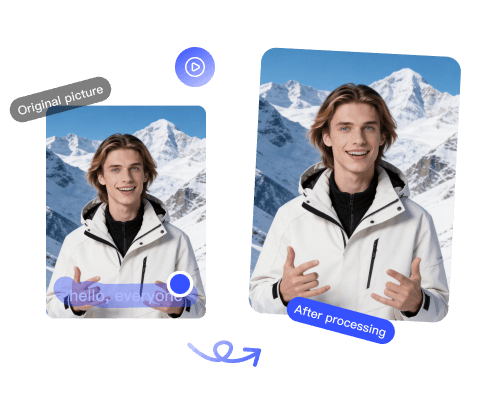
Remove the Dreamina (Jimeng) logo from AI-generated videos, including Seedance clips.
Open toolTest a Vidu export with a free five-second preview before committing credits to the full cleanup.
Open tool